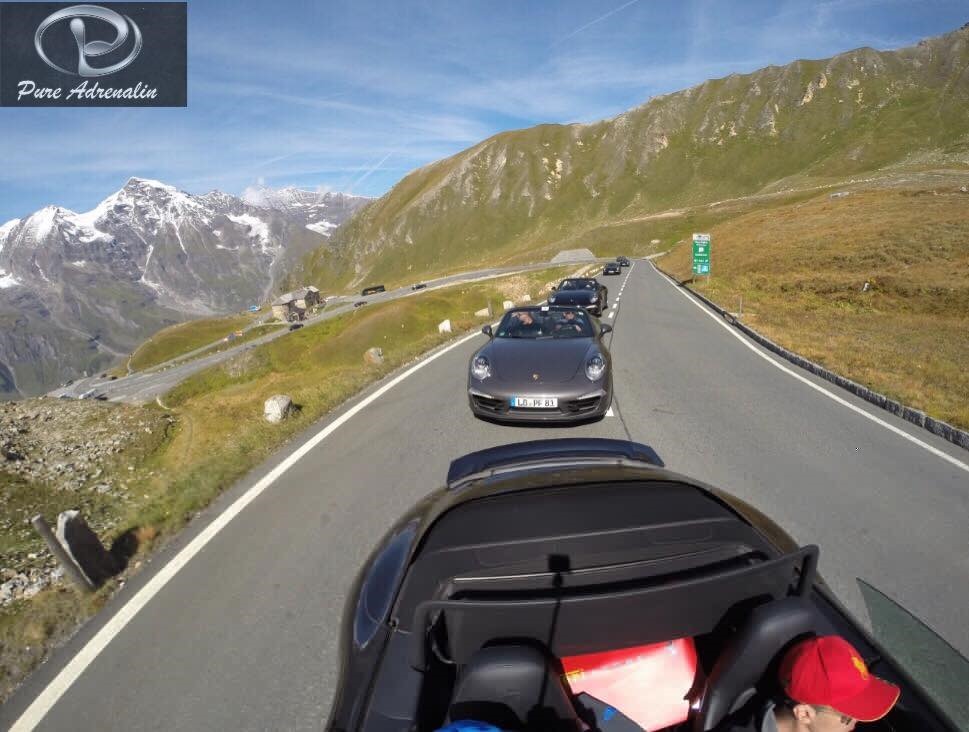
Most road trips end the same way: the drive itself is unforgettable, and six months later the only proof it happened is a folder of unsorted photos with no context for which was taken where.
More than a route on a map
The trip journal starts with the route itself — automatically tracked once a drive begins, the same underlying data that powers the live convoy map during the drive, kept afterward as a permanent record rather than discarded once the trip ends. But the route alone is just data. What makes it a journal rather than a log is what gets layered onto it: photos taken during the trip, placed on the map at the point along the route where they were actually taken.
Why “where it was taken” actually matters
A photo from a mountain pass means something different once it’s pinned to the exact hairpin it was taken on, rather than sitting in a generic camera roll next to everything else from that month. This is the specific thing a trip journal does that a phone’s default photo app doesn’t: it reconstructs the actual shape of the day, not just a pile of images from it. Guests who’ve used it consistently describe going back to a specific trip’s journal months later and remembering details of the drive itself, not just what the photos looked like.
How it’s different from driving history
This is worth distinguishing from the driving history feature in the account portal: driving history is the factual record — routes driven, distances, dates. The trip journal is the personal layer on top of that same underlying data, built around photos and the experience rather than the stats. Both draw from the same trip, but they answer different questions — one is “what did I drive,” the other is “what did that trip actually feel like.”
Getting photos in without extra effort
Photos taken through the app during a drive get placed automatically at the point on the route where they were shot. Guests who prefer to shoot with their phone’s regular camera can still add those photos to the trip journal afterward — it’s not an all-or-nothing system, just one built to require as little manual sorting as possible either way.
This is one piece of the larger DRV.club ecosystem — read the full introduction for everything else it does. Get the app.